
Love tile rummy?
Play Tilery.
Make runs. Match sets. Find your next clever move. Join our iPhone and iPad beta and help us make Tilery better.
- Play before launch
- iPhone & iPad
- No waitlist signup
Your next game starts in TestFlight.
Apple’s TestFlight app lets you install the Tilery beta. New to TestFlight? The steps below will guide you.
Join on TestFlightRequires iPhone or iPad with iOS/iPadOS 16.4 or later. This is a beta: you may find bugs, and features may change.
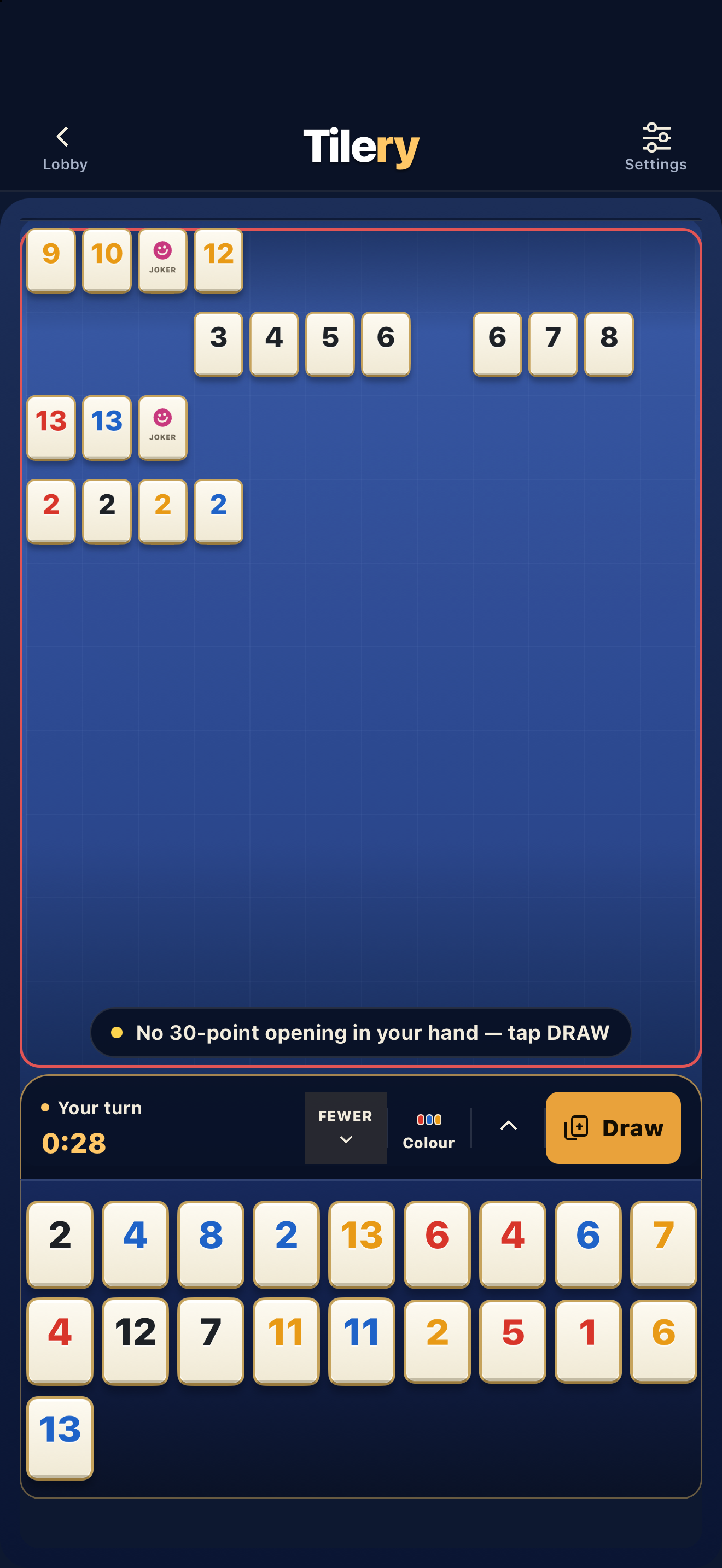
From this page to your first game.
- Install TestFlight.
If you don’t have it, get Apple’s TestFlight app on your iPhone or iPad.
- Open the Tilery invitation.
Return here and tap “Join on TestFlight”. In TestFlight, tap Accept, then Install.
- Play a game. Tell us how it felt.
Try a classic game against AI. If possible, invite a friend to a private room. Tell us what was fun, confusing or didn’t work.
Do I need to give Tilery my email first?
No. The button opens our public TestFlight invitation. You don’t need to join the launch waitlist to test the app. Apple handles TestFlight enrollment.
How do I send feedback?
Open Tilery’s page in TestFlight and choose Send Beta Feedback. You can also email support@playtilery.app. We’d love to know whether your first game was clear and whether you wanted to play again.
Can I join on Android or a computer?
This invitation is for iPhone and iPad. If you’re on a computer, open this page on your compatible iPhone or iPad to join. Tilery is also coming soon to Google Play and Facebook Games. See our download page for platform availability.
Is this the final App Store release?
No. This is a beta distributed through Apple TestFlight. Builds can expire or be replaced, and beta progress or purchases may not carry over to the public release. Read our privacy policy before joining.
Deal yourself in.
Play Tilery before launch and help us improve the game.
Join on TestFlight